

Artificial Intelligence is transforming the way software developers build applications. From writing and reviewing code to debugging, testing, documentation, and automation, AI tools can become a valuable part of a modern developer's workflow.
In 2026, developers don't need to replace their programming fundamentals with AI. Instead, they can combine programming skills + AI tools + automation to work more efficiently and build better projects.
1. AI Coding Assistants
AI coding assistants can help developers generate code, complete functions, explain programming concepts, and suggest improvements.
They are especially useful when learning a new programming language or framework.
2. AI Code Review Tools
AI can analyze code and help identify potential bugs, quality issues, security concerns, and opportunities for improvement.
Developers should always review and test AI suggestions before implementing them.
3. AI Debugging Tools
Debugging can take significant development time. AI tools can help developers understand error messages, analyze code, identify possible causes, and suggest solutions.
4. AI Documentation Tools
AI can help create:
- README files
- API documentation
- Code comments
- Function descriptions
- Technical documentation
- Project summaries
This can reduce repetitive documentation work.
5. AI Database Assistants
Developers working with SQL can use AI to generate and explain queries, troubleshoot database errors, and explore possible query optimizations.
For example, a developer can describe a database requirement in natural language and ask AI to generate a corresponding SQL query.
6. AI Testing Tools
AI can assist with:
- Test case generation
- Unit tests
- Test scenarios
- Test data
- Bug analysis
- Testing documentation
This can help development teams improve their testing workflow.
7. AI + Git & GitHub
AI can help developers understand code changes, generate commit messages, summarize pull requests, and explain complex code changes.
This can make collaborative development easier.
8. AI for Learning Programming
Students can use AI as an interactive programming tutor.
Instead of asking:
"Give me Python code."
Try:
"Explain this Python program line by line and give me three similar problems to practice."
This approach encourages understanding rather than simply copying generated code.
9. AI for Project Development
AI can support different stages of a software project:
Idea → Requirements → Design → Development → Testing → Documentation → Deployment
Developers should remain responsible for architecture, security, testing, and the final implementation.
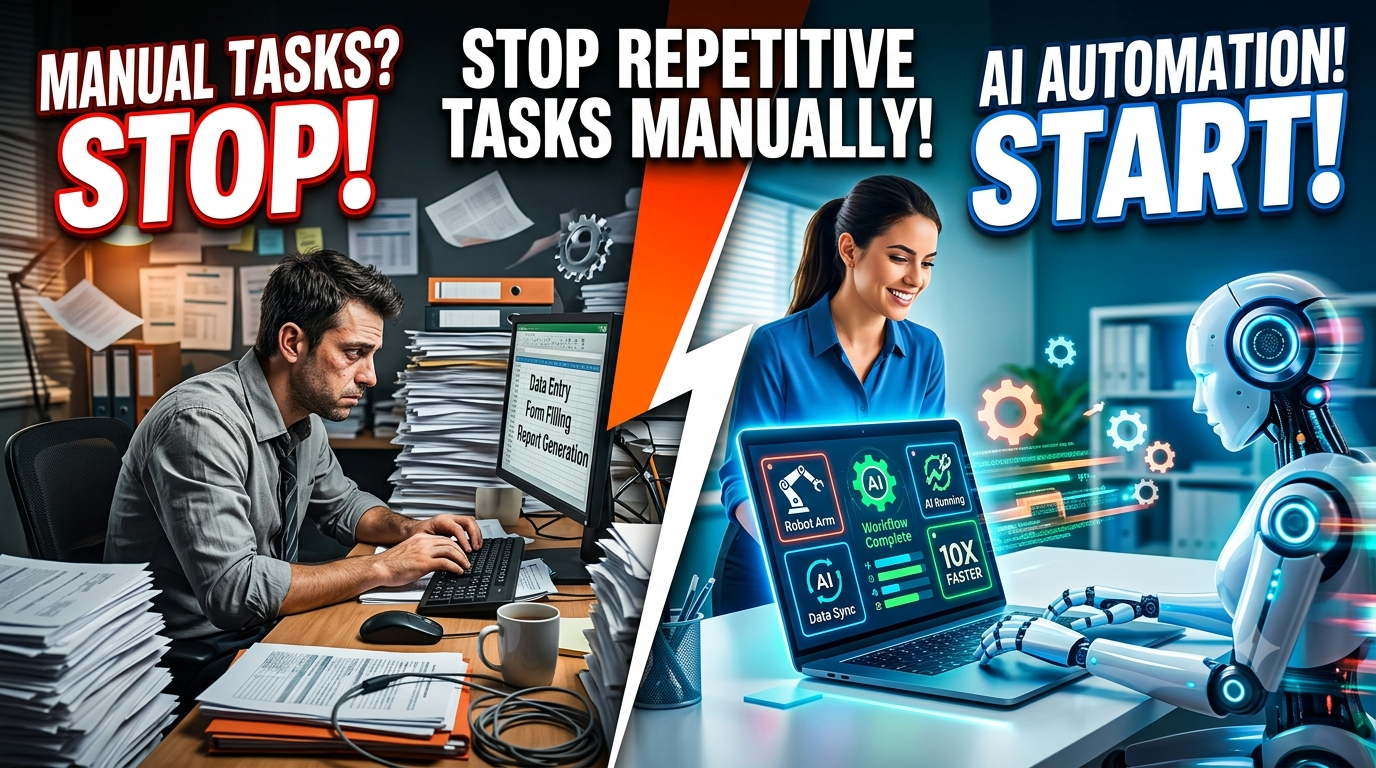
10. AI Automation
AI becomes even more powerful when combined with automation.
Businesses can use AI-powered workflows for:
- Customer support
- Email processing
- Lead management
- Report generation
- Document processing
- Data analysis
- Content workflows
- Notifications
This creates opportunities for developers to build intelligent business solutions.
AI + Development = New Career Opportunities
Learning AI doesn't mean that every developer needs to become an AI researcher.
A strong foundation in:
Programming + Databases + APIs + Git + AI + Automation
can help students and developers build practical applications and explore modern technology careers.
Build Your Own AI Projects
Start with projects such as:
- AI Chatbot
- AI Resume Analyzer
- AI Study Assistant
- AI FAQ Assistant
- AI Document Analyzer
- AI Customer Support Bot
- AI Lead Management System
- AI Content Assistant
Practical projects can help demonstrate your skills when building a portfolio or applying for internships and jobs.